There’s a mode on the ham bands that lets you work stations on the other side of the planet using a wire antenna and less power than a kitchen light bulb. It’s called FT8, and for a lot of newcomers it’s the fastest route from “licensed” to “look at all these countries in my log.” This guide covers FT8 for beginners, in plain English.
Fair warning: once you see your call sign pop up on a screen in Japan, the rest of the hobby starts looking a little slow.
What Is FT8, Exactly?
FT8 is a digital mode. Instead of talking into a microphone, your computer turns short text messages into a series of tones, your radio transmits those tones, and the computer on the other end decodes them back into text. Think of it as texting over the airwaves.
It was released in 2017 by Joe Taylor (K1JT) and Steve Franke (K9AN). Joe Taylor, incidentally, has a Nobel Prize in Physics. So the mode has decent credentials.
The magic is in how little signal it needs. FT8 can decode a station that’s roughly 21 decibels below the noise floor, which is a technical way of saying: it hears things your ears absolutely cannot. You can be sitting there hearing nothing but hiss while your screen fills up with call signs from five continents.
Everything runs on a strict 15-second clock. Fifteen seconds to transmit, fifteen seconds to listen, back and forth. A complete contact takes about a minute.
Why FT8 Took Over the Bands
FT8 spread fast, and it’s not hard to see why.
- It works when nothing else does. Bad conditions, low sunspot numbers, a compromise antenna in a small yard — FT8 keeps making contacts when voice modes have gone quiet.
- It’s low power friendly. Plenty of operators run 5 to 25 watts and work the world. Your electricity bill barely notices.
- It’s forgiving for beginners. No mic nerves, no worrying about your accent, no scrambling to write down a call sign before it disappears.
- It’s brilliant for chasing DX. If you’re collecting countries or grid squares for awards, FT8 fills the log quickly.
Not everyone loves it. You’ll find hams who say FT8 is just two computers exchanging pleasantries while their owners make tea. They have a point — the conversation is limited to call signs, a location, and a signal report. But nobody’s forcing you to choose. Plenty of operators run FT8 on a dead band and switch to voice the moment things open up.

What You Need to Get Started
Here’s the honest list. You probably have most of it already.
- An HF radio — almost any modern transceiver works. Older rigs work too, they just need a bit more wiring.
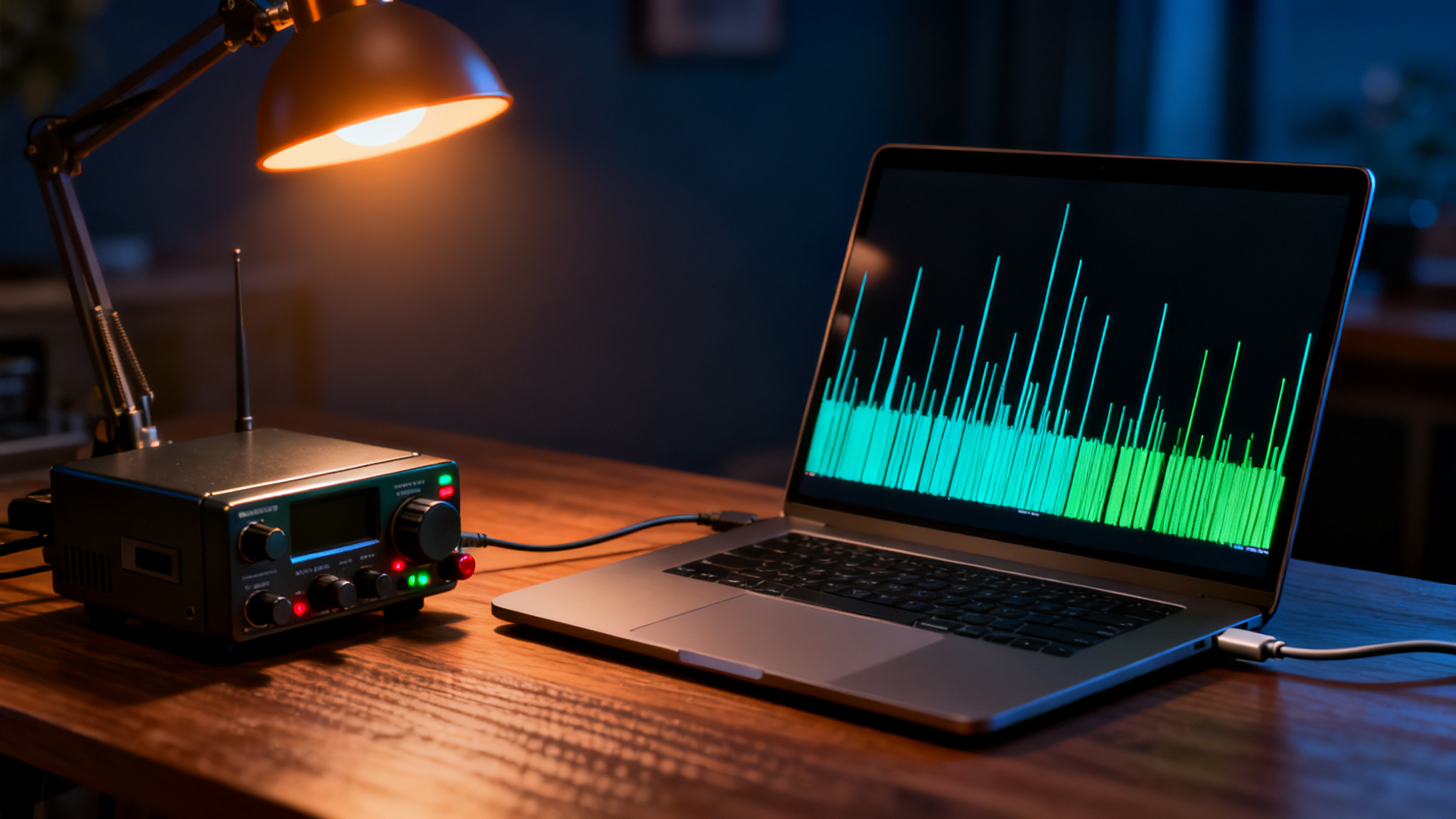
- A computer — a basic laptop is plenty. FT8 isn’t demanding.
- A connection between the two — many radios made in the last decade have a built-in USB sound card, so a single USB cable does everything. If yours doesn’t, an external interface handles the audio and keys the transmitter.
- WSJT-X — the free software that runs the whole show. JTDX is a popular alternative once you’ve found your feet.
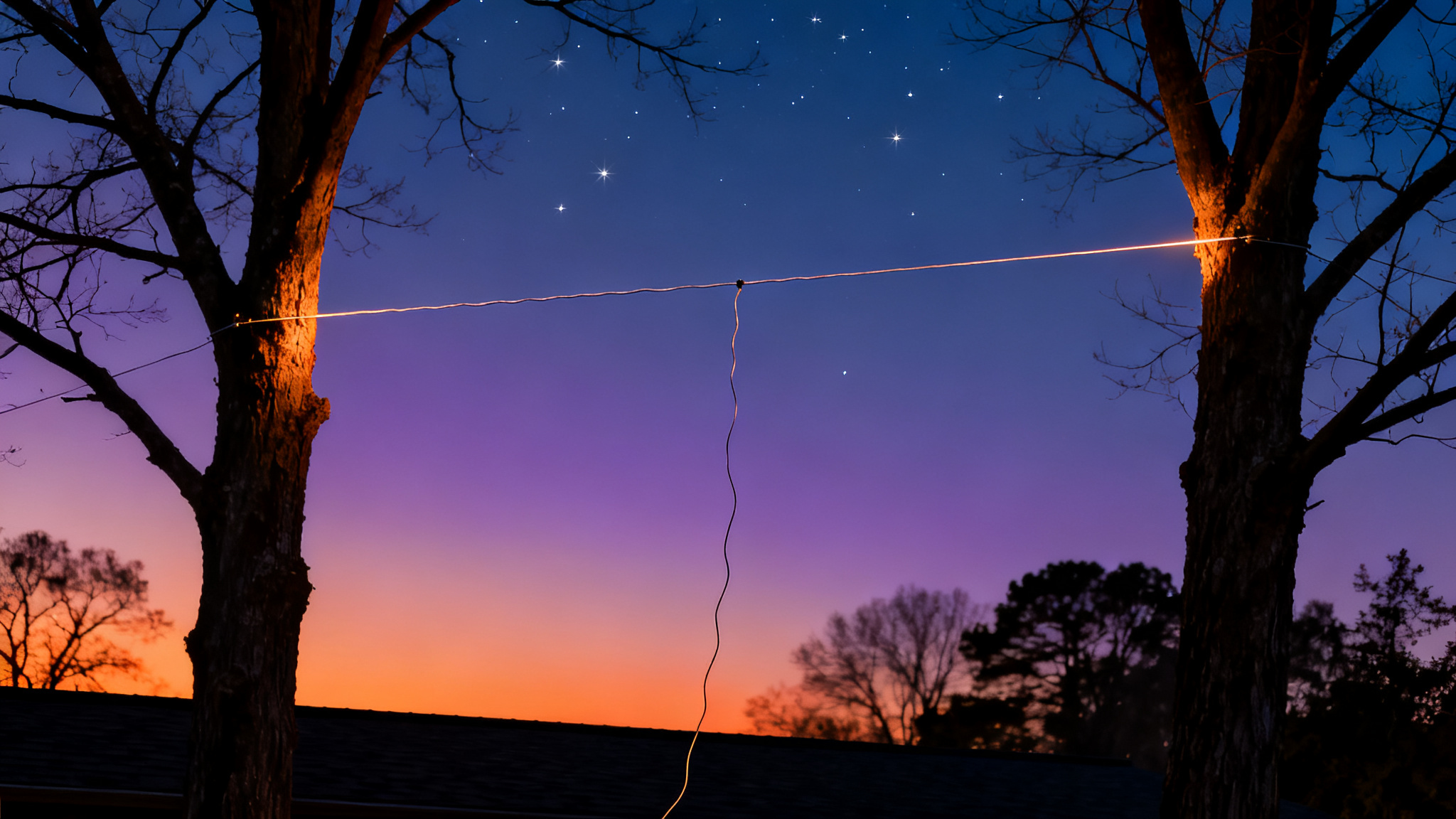
- An antenna — a simple wire dipole is genuinely fine. FT8 rewards patience more than it rewards expensive aluminium.
Total extra cost if your radio already has USB audio: zero.
Setting Up WSJT-X Without the Headache
Download WSJT-X, install it, and work through the settings once. It’s fiddly for twenty minutes and then you never touch it again.
Enter your call sign and your grid square (a four or six character code for your location — a quick search for “grid square locator” will find yours). Pick your radio from the rig control list so the software can change frequency and key the transmitter for you. Then set your audio input and output to whichever sound device your radio shows up as.
Now the part everyone gets wrong: your clock. FT8 lives and dies by accurate time. If your computer’s clock drifts more than about a second, nobody decodes you and you decode nobody. Turn on automatic internet time sync, or install a proper time sync tool that checks in regularly. If FT8 isn’t working for you, the clock is the first suspect roughly nine times out of ten.
Last setup step: audio levels. Set your radio’s transmit drive so the ALC meter barely twitches — ideally showing nothing at all. Overdriving FT8 audio splatters your signal across the band and makes you unpopular very quickly.
Making Your First FT8 Contact
Tune to an FT8 frequency, wait a cycle, and watch the decodes roll in. Every 15 seconds a fresh batch of call signs appears. It’s oddly satisfying, like watching a fishing line.
A full contact follows the same script every time:
- Someone calls CQ with their grid square.
- You answer with your call sign and grid.
- They send you a signal report — a number like -12, meaning your signal is 12 dB below the noise. Negative numbers are normal here. A -20 is a perfectly good contact.
- You send a report back.
- They send RR73 (roughly: “got it, thanks, goodbye”).
- You send 73. Done.
WSJT-X handles the sequence for you — you double-click a station and it fires off the right message at the right moment. Your job is mostly picking who to answer.
Start by replying to CQs rather than calling CQ yourself. You’ll learn the rhythm faster, and you’ll get answers sooner.
Where to Find FT8 on the Bands
FT8 gathers in the same narrow slice on each band. The popular ones:
- 40m — 7.074 MHz
- 30m — 10.136 MHz
- 20m — 14.074 MHz (the busiest, and usually the best starting point)
- 15m — 21.074 MHz
- 10m — 28.074 MHz
- 6m — 50.313 MHz
Check your license privileges before transmitting on any of them, and remember the whole mode fits in a couple of kilohertz. It’s crowded in there, which is exactly why it’s fun.
Five Mistakes Beginners Make
Save yourself some frustration:
- Ignoring the clock. Said it already, saying it again. It’s always the clock.
- Running too much power. FT8 transmits at full output for nearly 13 seconds straight. That’s hard on a radio. Turn it down — you rarely need more than 30 watts, and your rig will thank you.
- Overdriving the audio. Watch the ALC. Clean and quiet beats loud and messy.
- Calling on top of a busy station. Pick a clear slot in the waterfall display instead of parking right on someone else.
- Forgetting to log. WSJT-X saves your contacts automatically. Upload them to a logging service and watch your country count climb.
One more tip worth its weight in gold: look up PSK Reporter online. It shows a live map of every station that has heard your signal. Even before your first contact, you’ll see exactly how far you’re getting out — which is enormously encouraging when you’re still fiddling with settings.
Ready to Make Your First Digital Contact?
FT8 for beginners really comes down to five things: connect your radio to a computer, install WSJT-X, fix your clock, keep your power sensible, and answer a CQ. That’s the whole job. Most people are making contacts within an evening.
If you’re still getting your station together, we’ve put together a free Ham Radio Quick-Start Checklist that walks you through every step in order, from license to first contact, so nothing gets missed. Grab your free checklist here and get yourself on the air.